
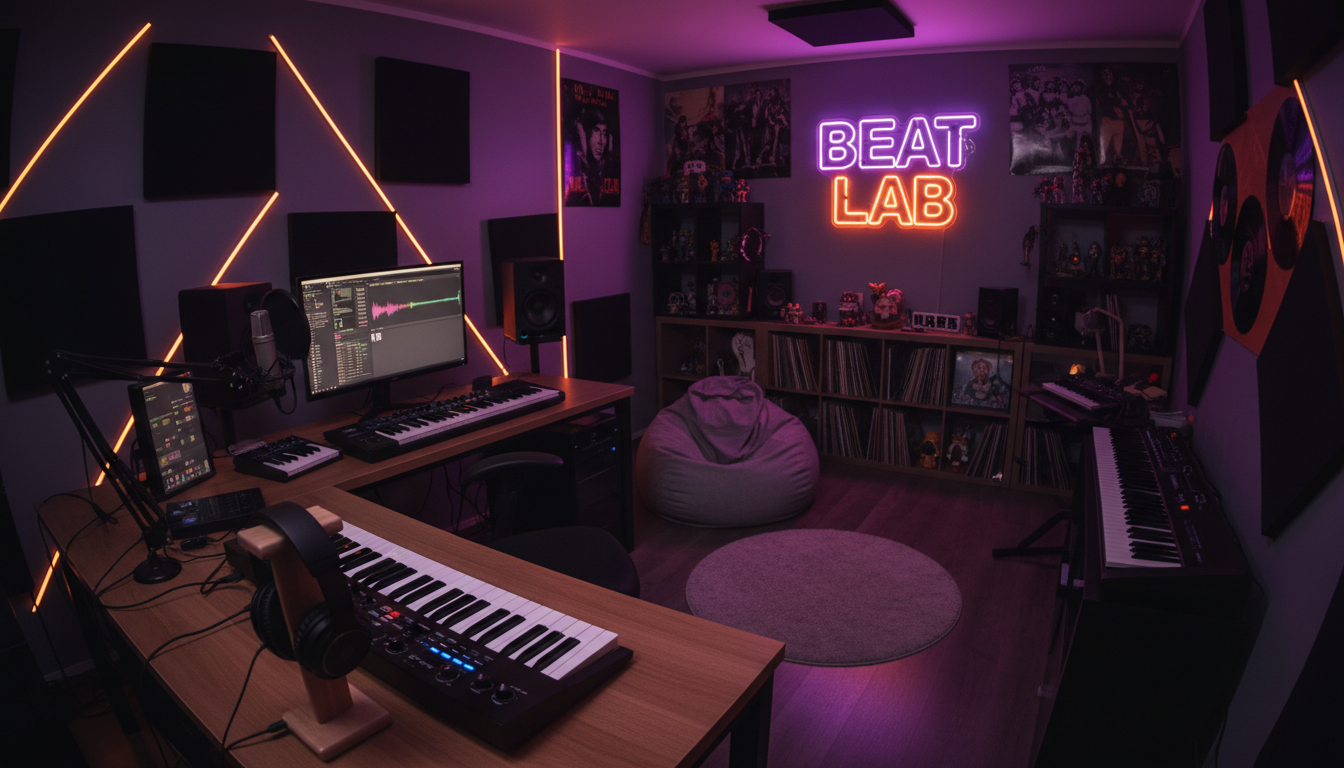

Playing the Launchpad
They want to perform electronic music using Launchpad.
15+ years of experience
students from 25 countries

5.0 rating on Google
150+ reviews
Learn to create music and perform live using Launchpad
Is your teenager passionate about electronic music and Launchpad, or eager to create exciting live performances?
The course will help your child master Ableton Live and use Launchpad as a complete tool for music creation, remixing and live performance.
The student gradually masters the controller, creates musical parts, works with samples and effects, assembles live sets and controls music in real time.
The course is suitable for teenagers who are interested in electronic music, controllers and live performances.
They want to perform electronic music using Launchpad.

Is interested in live performances and DJ culture.

They want to create their own remixes and original compositions.

They already have a Launchpad and want to use its capabilities in practice.

They want to master Ableton Live and work with music in real time.

Previous experience with Launchpad or Ableton Live is not required. You can start learning from scratch.
The Launchpad course is designed for real-time sound control, creating remixes and live performances.
For a classic introduction to music production from scratch, choose Basic course in electronic music production for teenagers.
For a deeper dive into sound design, arranging and mixing, the advanced junior program is suitable.
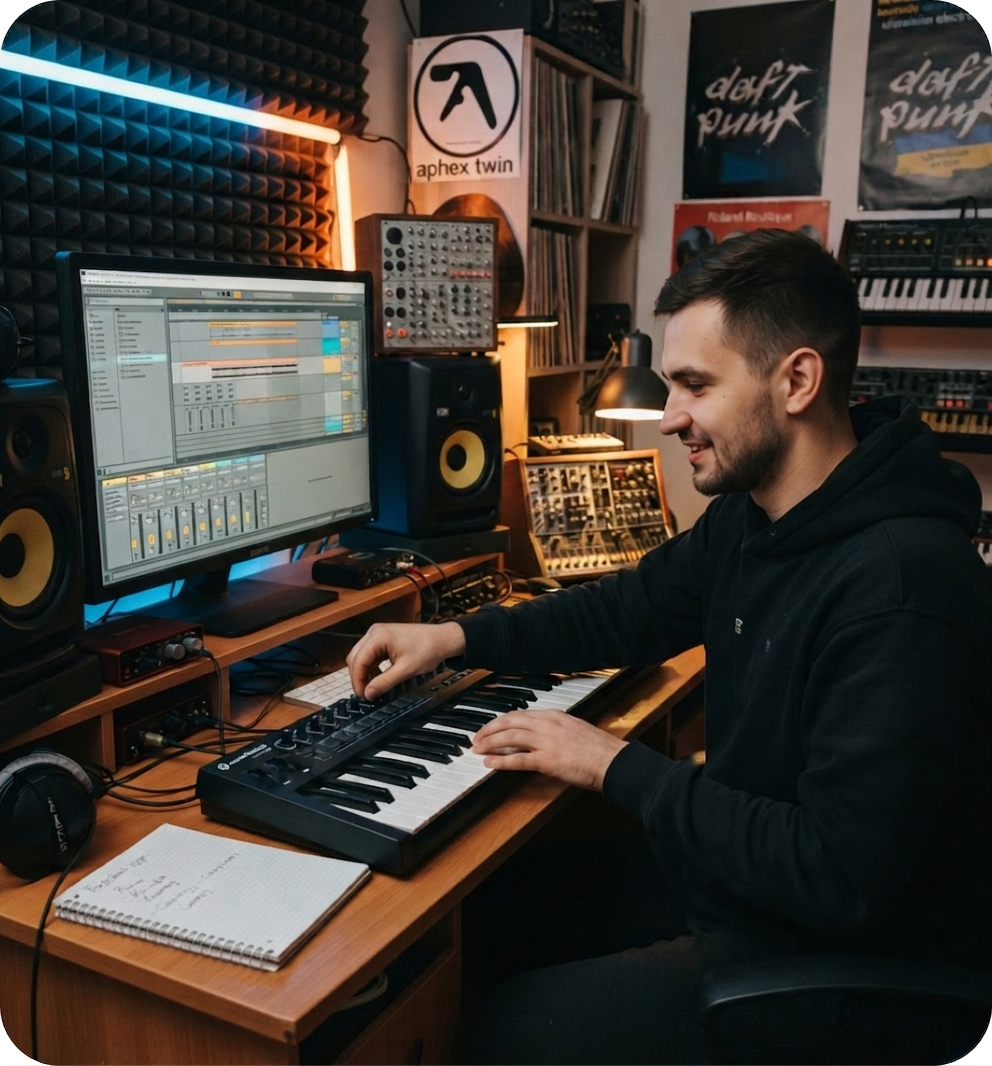
During the course, the student will gradually master Launchpad and learn to use it in their own creative workflow.
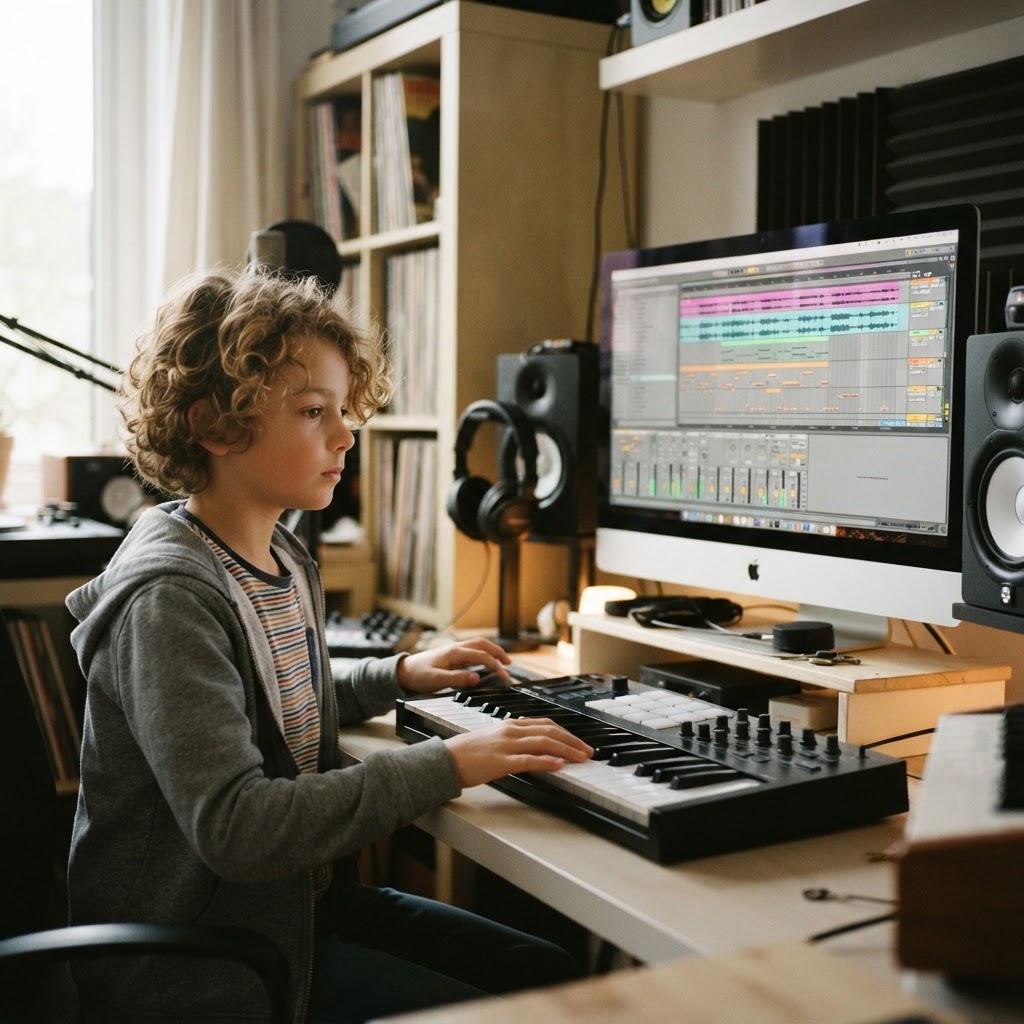
Launchpad is not used in isolation, but as part of a full-fledged musical process.
The student goes from working with individual samples and sounds to creating their own musical scenes and a full-fledged live set.
They learn not merely to press buttons on the controller, but to understand what is happening in the music and control its sound in real time.
All lessons are held one-on-one with a teacher online. The student immediately works in Ableton Live and Launchpad, and applies new skills in their own projects.
The teacher explains the principle of work, after which the student independently repeats it and uses it in their own music. If necessary, tasks are added for work between lessons.
To study, you need a Launchpad and a computer with Ableton Live. If you don’t have a controller yet, we will help you choose the right model.
The student gets access to the necessary base of materials to immediately proceed to practice and not waste time on independent searches.

Materials for creating musical scenes, rhythms and remixes.
Virtual instruments for working in Ableton Live.
Effects for creative processing and sound control.
Ready-made settings for a quick start.
Materials for repeating techniques between lessons.
Explanations and instructions for independent practice.
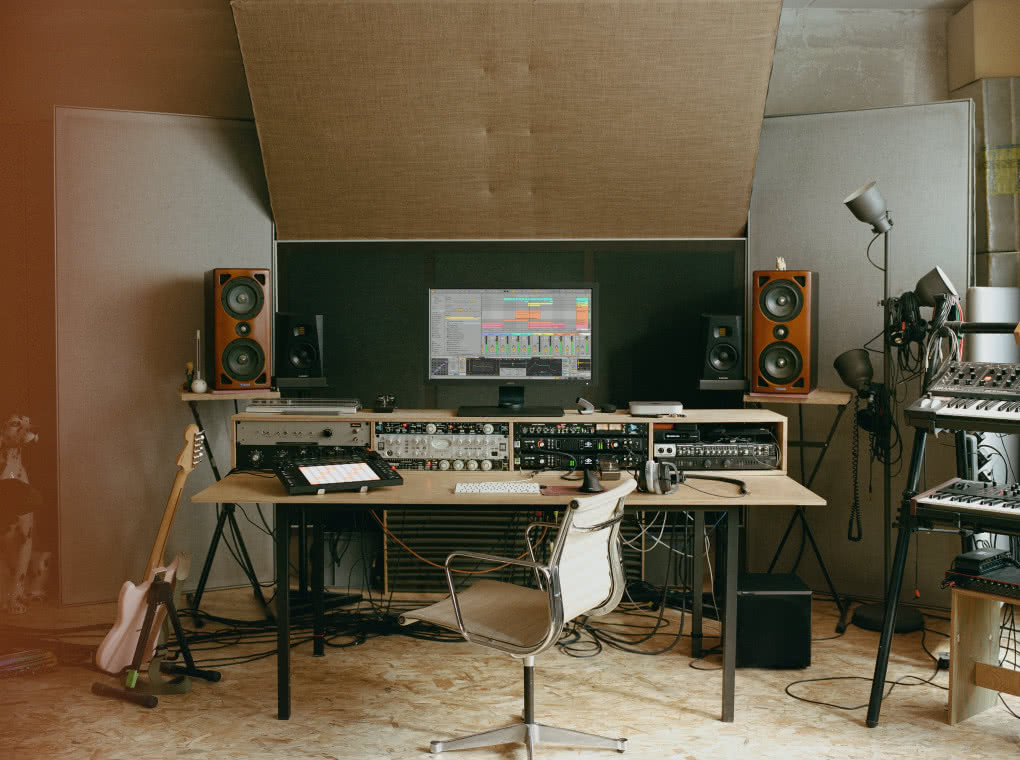
Ableton Live is used to work with Launchpad, create music scenes and live sets.
 Student age
 Number of lessons
 Duration
 Format
 Schedule
 Lesson time
With the right approach, Launchpad becomes a tool that lets a teenager create their own music, make remixes and prepare for live performances.
Book a free consultation — we will learn about your child’s musical interests, tell you how the training is going, and help you decide on the equipment.
STILL HAVE QUESTIONS?
Message us on any messenger convenient for you, and we will reply shortly.


